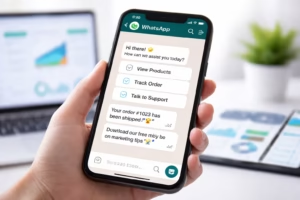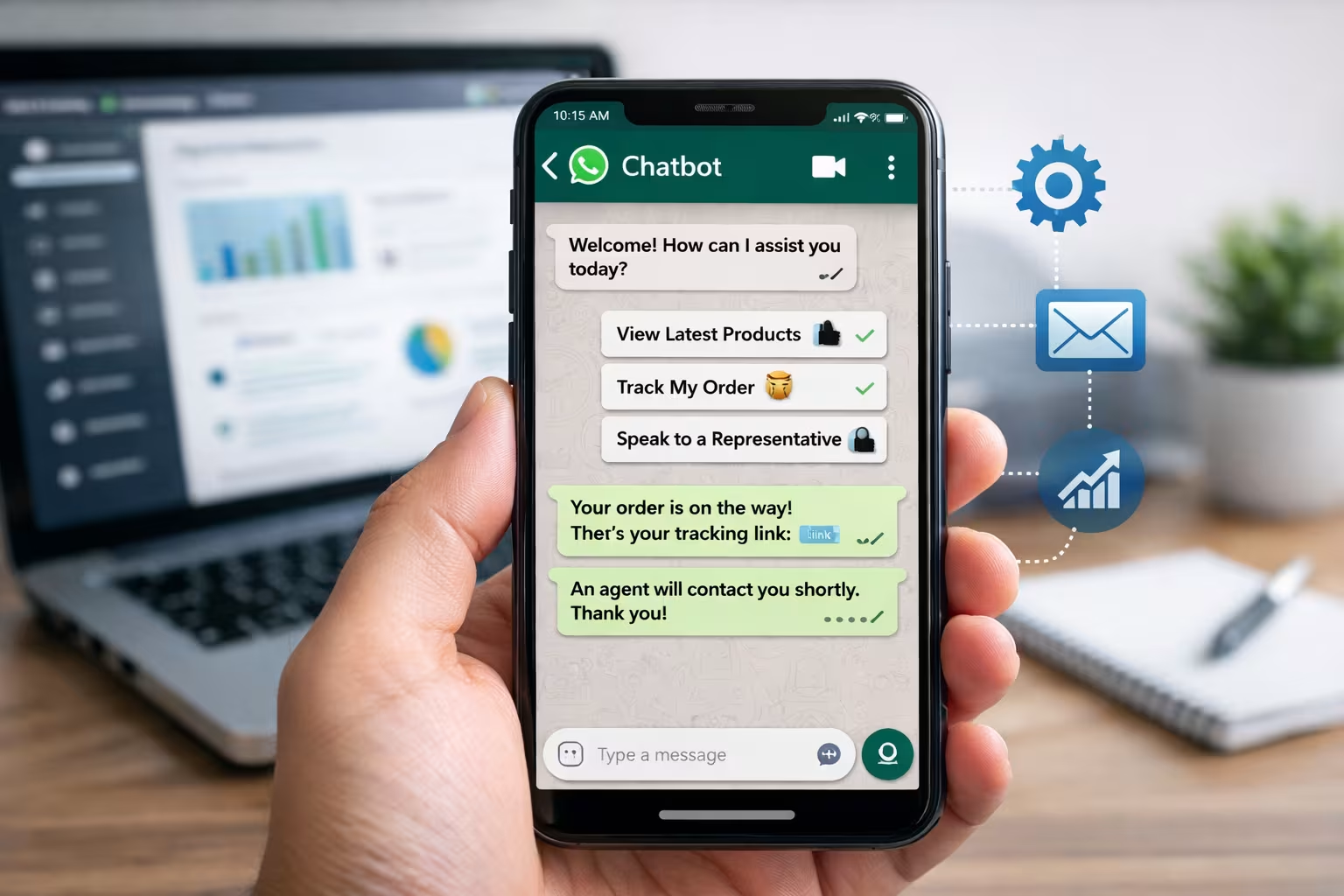
In today’s fast-paced digital world, customers expect instant responses from businesses. When someone sends a message on WhatsApp, waiting hours for a reply can easily lead to lost sales and frustrated customers.
That’s where WhatsApp auto reply messages come in.
Using automation, businesses can instantly acknowledge messages, answer common questions, and guide customers toward the next step in their journey.
In this guide, we’ll explore 25 powerful WhatsApp auto reply message examples that businesses can start using immediately to improve customer communication and increase conversions.
Why WhatsApp Auto Reply Examples Matter for Businesses
With over 2 billion users worldwide, WhatsApp has become one of the most important communication channels for businesses.
Automated replies help companies stay responsive even when their team is unavailable.
Instant Customer Engagement
Customers love fast responses. An auto reply ensures they know their message has been received.
Example:
“Thanks for messaging us! Our team is reviewing your request and will respond shortly.”
This simple message instantly reassures the customer.
Improved Customer Experience
Automation removes friction from communication.
Customers receive immediate guidance on what to do next, whether that’s browsing products or waiting for support.
24/7 Customer Support
Even when your business is closed, automation can keep conversations active.
For example:
“Hi! Thanks for reaching out. Our office hours are 9 AM – 6 PM. We’ll reply as soon as we’re back.”
What Is a WhatsApp Auto Reply Message?
A WhatsApp auto reply message is a pre-written response sent automatically when a user messages your business.
Businesses typically use them for:
-
Greeting new customers
-
Responding outside business hours
-
Answering frequently asked questions
-
Capturing leads
Let’s explore the most useful types.
Greeting Messages
Greeting messages welcome customers and start conversations.
Example:
“Hello 👋 Thanks for contacting [Business Name]! How can we assist you today?”
Away Messages
Away messages inform customers when you’re unavailable.
Example:
“Hi! Our team is currently offline. Please leave your message and we’ll get back to you shortly.”
Quick Replies
Quick replies answer common questions instantly.
Example:
“Looking for our price list? You can view it here: [link]”
Lead Capture Messages
These messages collect customer details.
Example:
“Thanks for your interest! Could you please share your name and requirements so we can assist you better?”
25 WhatsApp Auto Reply Message Examples for Businesses
Below are ready-to-use templates you can copy and customize.
Greeting Auto Reply Examples
“Hi there! 👋 Thanks for contacting us. Our team will respond shortly.”
“Welcome to [Business Name]! Let us know how we can help you today.”
“Thanks for reaching out! We typically reply within a few minutes.”
“Hello! We’re excited to assist you. Please tell us how we can help.”
“Hi! Thank you for contacting our support team. We’ll be with you shortly.”
Customer Support Auto Replies
“Thanks for contacting support. Our team is reviewing your request.”
“We received your message! A support specialist will respond shortly.”
“Thank you for reporting this issue. We’re working on it now.”
“Our team is currently assisting other customers. Your message is in queue.”
“Your support request has been received. We’ll respond as soon as possible.”
Sales Inquiry Auto Replies
“Thanks for your interest in our products! Could you share what you’re looking for?”
“Hi! Our sales team will contact you shortly with the details.”
“Looking for pricing information? Our team will send it shortly.”
“Great to hear from you! What product are you interested in?”
“Thanks for reaching out! A sales expert will guide you soon.”
Away / After-Hours Messages
“Hi! Our office is currently closed. We’ll reply when we reopen.”
“Thanks for messaging us. Our team will respond during business hours.”
“Hi there! We’re currently offline but will reply tomorrow.”
“Thanks for your message! We’ll get back to you first thing in the morning.”
“Our support team is unavailable right now, but your message has been received.”
Lead Qualification Messages
“Thanks for contacting us! May we know your name and requirement?”
“To assist you better, please share your location and requirement.”
“Could you please tell us what service you’re interested in?”
“Thank you for your interest! A team member will contact you shortly.”
“Please choose an option:
1️⃣ Sales
2️⃣ Support
3️⃣ Product Information”
Best Practices for Writing WhatsApp Auto Reply Messages
Keep Messages Short
Customers prefer quick responses.
Avoid long paragraphs.
Add Personalization
Use the customer’s name if possible.
Example:
“Hi John! Thanks for contacting us.”
Include Clear Next Steps
Guide customers on what to do next.
Examples:
-
“Please share your requirement.”
-
“Our team will respond shortly.”
Use Automation Strategically
Don’t automate everything.
Combine automation with real human responses for better engagement.
How to Set Up WhatsApp Auto Replies
Businesses can set up automated replies in two main ways.
Using WhatsApp Business App
The WhatsApp Business app includes built-in automation tools.
You can set:
-
Greeting messages
-
Away messages
-
Quick replies
Steps:
-
Open WhatsApp Business
-
Go to Business Tools
-
Select Away Message
-
Create your automated message
Using WhatsApp API Automation
Larger businesses often use the WhatsApp Business API for advanced automation.
This allows you to:
-
automate responses
-
build chatbots
-
integrate CRM systems
-
manage large customer volumes
Platforms like OneClickAPI help businesses automate messaging at scale.
How Automation Improves Customer Communication
WhatsApp automation helps businesses:
-
respond instantly
-
handle large message volumes
-
improve customer satisfaction
-
capture more leads
-
increase conversions
When combined with smart messaging strategies, automated replies can significantly improve customer experience.
You might be interested in: WhatsApp Auto Reply Rules Explained: 9 Costly Mistakes Businesses Must Avoid
Conclusion
WhatsApp is one of the most powerful communication tools for businesses today. However, managing hundreds or thousands of messages manually is nearly impossible.
By using WhatsApp auto reply message examples, businesses can automate responses, improve customer satisfaction, and never miss an opportunity.
Whether you’re handling customer support, sales inquiries, or general questions, automated replies ensure every message receives immediate attention.
If you’re ready to scale your communication, implementing WhatsApp automation is the next step toward smarter customer engagement.