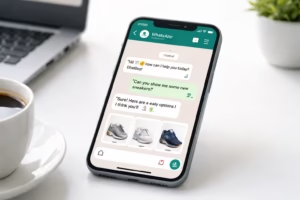
WhatsApp has become one of the most powerful communication channels for businesses worldwide. With over 2 billion active users, it provides a direct and personal way to connect with customers.
To manage large volumes of messages, many businesses rely on automated responses. However, using automation incorrectly can lead to poor customer experience, spam complaints, or even account restrictions.
That’s why understanding WhatsApp auto reply rules is critical.
In this guide, we’ll explain how auto replies work, the mistakes businesses make, and how to implement automation the right way.
Understanding WhatsApp Auto Reply Rules
What Are WhatsApp Auto Replies?
WhatsApp auto replies are automated messages triggered by specific events or keywords.
Examples include:
-
Greeting messages
-
Out-of-office responses
-
Order confirmations
-
Customer support replies
-
Lead qualification messages
These responses help businesses respond instantly without needing a human agent every time.
Why Businesses Use WhatsApp Automation
Automation improves efficiency and customer experience.
Benefits include:
-
Instant customer responses
-
Faster lead qualification
-
Reduced support workload
-
Higher engagement rates
-
24/7 availability
However, automation must follow specific messaging rules and best practices.
WhatsApp Business vs WhatsApp Business API Automation
There are two main ways to automate WhatsApp.
WhatsApp Business App
Basic automation features such as:
-
Greeting messages
-
Away messages
-
Quick replies
Best for small businesses.
WhatsApp Business API
Advanced automation including:
-
Chatbots
-
CRM integration
-
workflow automation
-
marketing automation
Best for growing businesses and enterprises.
Platforms like OneClickAPI make WhatsApp automation easier by enabling rule-based messaging systems.
Why WhatsApp Auto Reply Rules Matter
Ignoring automation rules can lead to major problems.
Preventing Account Restrictions
WhatsApp actively monitors spam behavior.
If automation appears spammy, your number may face:
-
message delivery limits
-
temporary bans
-
permanent account suspension
Maintaining Customer Trust
Customers expect helpful responses, not robotic spam.
Poor automation leads to:
-
frustration
-
negative brand perception
-
lost customers
Ensuring Message Compliance
WhatsApp has policies that limit how businesses communicate with customers.
Following the right rules ensures:
-
legal compliance
-
better message deliverability
-
improved engagement
The 9 Most Common WhatsApp Auto Reply Mistakes
Here are the most common mistakes businesses make with automation.
1. Sending Spam-Like Automated Messages
Many businesses send promotional auto replies immediately after receiving a message.
Example of bad automation:
“Buy now! 50% discount today!”
Customers who just asked a question will likely ignore or report it.
Better approach
Answer the question first, then offer promotions later.
2. Ignoring WhatsApp’s 24-Hour Messaging Rule
WhatsApp allows free-form messages only within 24 hours of the user’s last message.
After that window, businesses must use approved message templates.
Ignoring this rule can cause message failures.
3. Overusing Automation Without Human Support
Automation should assist humans — not replace them entirely.
Customers often want human support for complex questions.
Best practice:
-
Use automation for first response
-
Transfer to human agents when needed
4. Writing Generic Auto Replies
Bad example:
“Thank you for contacting us.”
This message provides no value.
Better example:
“Hi 👋 Thanks for contacting us! How can we help today?
1️⃣ Product inquiry
2️⃣ Order tracking
3️⃣ Customer support”
Interactive replies improve engagement.
5. Triggering Auto Replies Too Frequently
Multiple automated responses in a short time can feel overwhelming.
Example:
Customer sends “Hi”
Automation sends:
-
Greeting message
-
Menu options
-
Promotion
-
Support message
This overload creates a poor experience.
6. Not Segmenting Customers
Different customers require different responses.
Examples:
-
New leads
-
Existing customers
-
Returning buyers
-
Support inquiries
Using segmentation allows more relevant automation rules.
7. Using Unapproved Automation Tools
Some third-party tools violate WhatsApp policies.
This increases the risk of account bans.
Always use trusted WhatsApp automation platforms like OneClickAPI that follow API guidelines.
8. Ignoring Personalization
Customers respond better to personalized messages.
Instead of:
“Hello customer”
Use:
“Hi Rahul! Thanks for contacting us.”
Personalization significantly improves response rates.
9. Failing to Track Performance
Automation without analytics leads to poor optimization.
Businesses should track:
-
response time
-
message open rate
-
conversation completion rate
-
lead conversion
These insights help improve automation rules.
WhatsApp Auto Reply Best Practices
Here are the best practices businesses should follow.
Use Clear Trigger Rules
Auto replies should activate based on:
-
keywords
-
time triggers
-
user actions
-
CRM events
Example:
Keyword trigger: “price”
Auto reply: product price list.
Personalize Messages
Use customer data to personalize messages.
Example:
“Hi Sarah, your order #1023 has been shipped.”
Combine Automation With Human Support
Use automation for:
-
first response
-
FAQs
-
lead capture
Then transfer to a human agent when needed.
Use Quick Replies and Templates
Quick replies help customers respond faster.
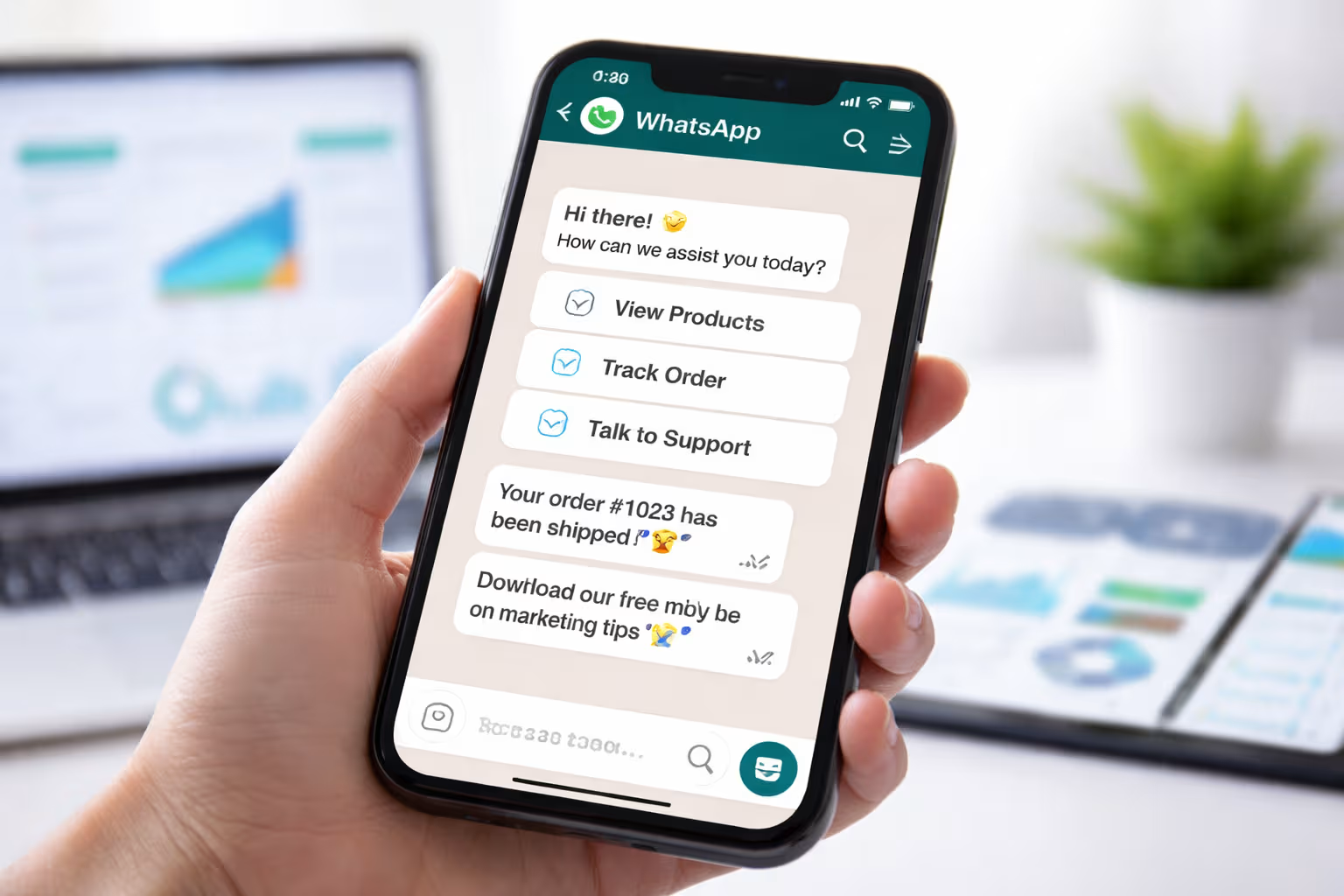
Example:
“Choose an option:
1️⃣ View Products
2️⃣ Track Order
3️⃣ Talk to Support”
Example WhatsApp Auto Reply Rules for Businesses
Here are practical automation examples.
Customer Inquiry Rule
Trigger: Message contains “price”
Auto reply:
“Hi 👋 Thanks for your interest.
Here is our latest price list.”
Order Confirmation Rule
Trigger: Order placed
Auto reply:
“Your order #3456 has been confirmed.
We’ll notify you once it ships.”
Customer Support Rule
Trigger: Message contains “support”
Auto reply:
“Our support team will assist you shortly.
Estimated wait time: 5 minutes.”
Lead Qualification Rule
Trigger: New conversation
Auto reply:
“Welcome! What are you looking for today?
1️⃣ Product information
2️⃣ Pricing
3️⃣ Bulk orders”
How to Implement WhatsApp Auto Reply Rules with OneClickAPI
Setting up automation is simple.
Step 1 Connect WhatsApp API
Integrate your WhatsApp number with OneClickAPI.
Step 2 Create Automation Rules
Define triggers like:
-
keywords
-
user actions
-
time-based rules
Step 3 Set Message Triggers
Add automated messages for each rule.
Step 4 Track Conversations and Optimize
Use analytics to improve:
-
response rates
-
conversion
-
customer experience
You might be interested in: 9 Hidden WhatsApp Auto Reply Benefits Every Business Owner Should Know (2026 Guide)
Final Thoughts
WhatsApp automation can transform how businesses communicate with customers.
But success depends on following the right WhatsApp auto reply rules.
By avoiding common mistakes and implementing smart automation strategies, businesses can:
-
improve response time
-
increase customer satisfaction
-
generate more sales
With the right tools — like OneClickAPI — automation becomes simple, scalable, and highly effective.