If you’ve ever chatted with a business on WhatsApp and thought, let’s see WhatsApp chatbot examples
“Wait… was that a real person?” — you’re not alone.
Welcome to the new era of AI-powered WhatsApp chatbots that feel almost indistinguishable from humans.
In this guide, we’ll break down 10 powerful WhatsApp chatbot examples that businesses are using right now to:
- Boost sales
- Automate support
- Improve customer experience
And the best part?
You can build something similar for your business too.
Why WhatsApp Chatbots Are Taking Over Business Communication
WhatsApp isn’t just a messaging app anymore—it’s a business powerhouse.
With over 2 billion users globally, it offers:
- Instant communication
- High open rates (90%+)
- Personalized interactions
But managing conversations at scale? That’s where WhatsApp chatbots step in.
They allow businesses to:
- Respond instantly (24/7)
- Handle thousands of chats simultaneously
- Deliver consistent customer experiences
What Makes a WhatsApp Chatbot Feel “Human”?
Not all chatbots feel real. The best ones do.
Here’s what sets them apart:
- Natural language processing (NLP)
- Context-aware responses
- Personalized messaging
- Smart delays (to mimic typing)
- Memory of past conversations
A well-designed chatbot doesn’t feel robotic—it feels like a helpful assistant.
10 WhatsApp Chatbot Examples That Feel Real
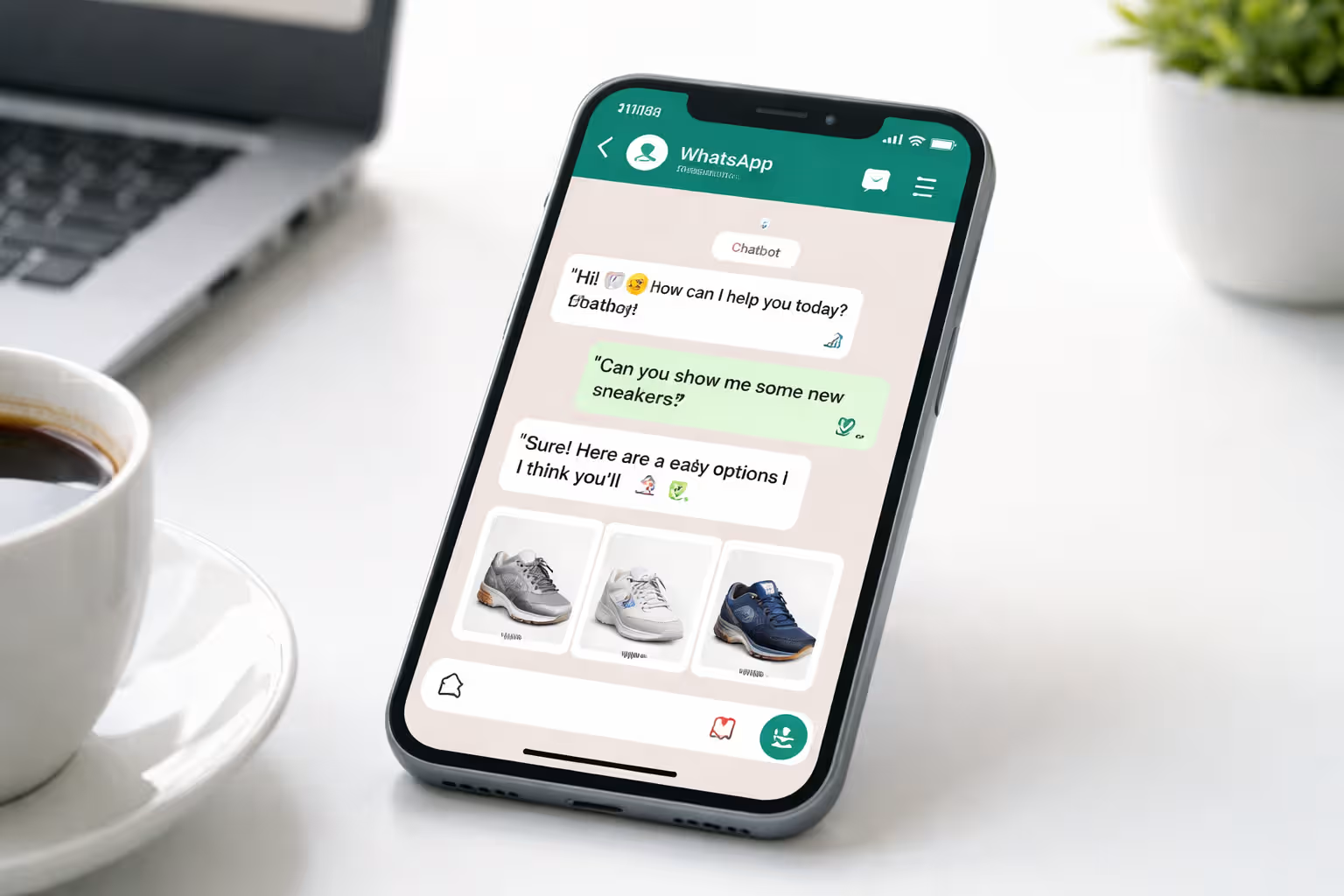
1. E-commerce Assistant Chatbot
Imagine browsing products directly inside WhatsApp.
This chatbot:
- Recommends products
- Sends images & prices
- Handles checkout
👉 Example interaction:
“Looking for a formal shirt?”
“Here are 3 options based on your style.”
💡 Perfect for:
- Fashion brands
- D2C stores
- Fabric businesses (like yours)
2. Customer Support Chatbot
This is where most businesses start.
Instead of waiting hours:
- Customers get instant replies
- FAQs are handled automatically
- Escalation to humans happens seamlessly
💡 Key benefit:
Reduces support workload by up to 70%
3. Lead Qualification Bot
This chatbot acts like a sales rep.
It:
- Asks qualifying questions
- Segments leads
- Sends hot leads to your team
👉 Example:
“What’s your budget?”
“Are you looking for bulk or personal use?”
4. Appointment Booking Bot
No more back-and-forth scheduling.
This bot:
- Shows available slots
- Books appointments
- Sends reminders
💡 Great for:
- Clinics
- Salons
- Consultants
5. Banking & Finance Bot
Banks use chatbots to:
- Check balances
- Send transaction alerts
- Assist with loans
And they do it securely.
6. Healthcare Assistant Bot
Patients can:
- Book appointments
- Get reminders
- Ask basic health queries
💡 Huge advantage:
Reduces front-desk workload
7. Food Ordering Chatbot
Ordering food becomes as easy as chatting.
Users can:
- Browse menus
- Customize orders
- Track delivery
👉 Example:
“Want your usual order?”
“Yes.”
Done.
8. Education & Course Bot
EdTech companies use bots to:
- Share course details
- Send learning material
- Answer student queries
9. Travel Booking Bot
Travel agencies automate:
- Flight bookings
- Hotel suggestions
- Itinerary planning
💡 Bonus:
Real-time updates on delays or changes
10. Feedback & Survey Bot
After a purchase, this bot:
- Collects feedback
- Runs surveys
- Improves customer experience
Key Features Behind Human-Like WhatsApp Chatbots
To create a chatbot that feels human, you need:
🧠 AI & NLP
Understanding user intent—not just keywords
💬 Conversational Flow
No rigid scripts—just natural conversations
🎯 Personalization
Using names, preferences, and history
⚡ Instant Responses
But with slight delays to feel real
🔄 Context Retention
Remembering previous messages
How to Build a WhatsApp Chatbot Like These
You don’t need a massive tech team.
With platforms like OneClickAPI, you can:
- Connect to WhatsApp Business API
- Design chatbot flows visually
- Add AI responses
- Integrate with CRM or website
- Launch in hours—not weeks
💡 Pro Tip:
Start simple → Then optimize based on real conversations
You might be interested in: Ever Wondered How WhatsApp Chatbots Work? The Simple Tech Behind the Magic (Explained)
Final Thoughts
The line between human and chatbot is disappearing.
The best WhatsApp chatbot examples aren’t just automated—they’re intelligent, responsive, and personal.
If you’re not using one yet, you’re missing out on:
- Faster sales cycles
- Better customer experience
- Higher conversions